
Veterinary appointment scheduling: seven practices that hold up
Scheduling advice that survives a busy Monday: consultation lengths that reflect reality, buffers, who is allowed to book, and why the rota and the diary have to be the same thing.
2 min readVetWorkFlo
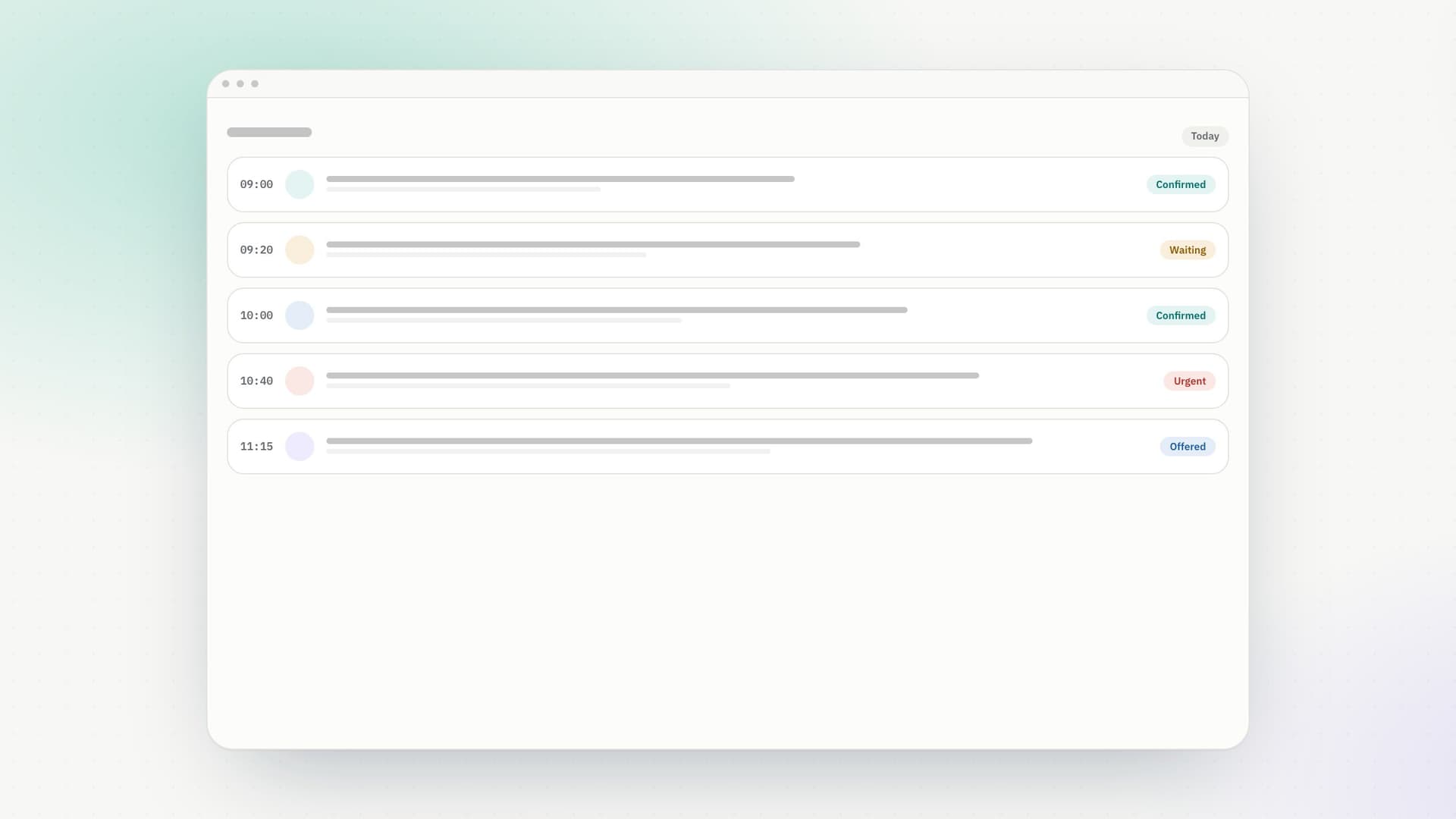
Every practice has a scheduling system. Most of them were designed by accident, one exception at a time, and are held together by whoever is on the front desk.
Here are seven that survive a busy Monday.
1. Make consultation lengths honest
If your standard consultation is fifteen minutes and almost all of them take twenty, your diary is a work of fiction and every day runs late by lunchtime. Measure what things actually take, then set the lengths to match. A diary that tells the truth is worth more than one that looks efficient.
2. Put buffers in on purpose
Not between every appointment — between the ones that need them. A diary booked solid from nine to six has no capacity to absorb anything, and veterinary days are full of things to absorb. VetWorkFlo lets you set buffers between appointments so the gap is part of the design rather than something that disappears the moment the day gets busy.
3. Let availability decide what is bookable
This is the one that quietly prevents the most trouble. If the rota lives on a wall and the diary lives in software, they drift apart within a week — and the cost is a client booked in on a day their vet is on leave.
The rota should be the thing that decides which slots exist. In VetWorkFlo, each person's weekly pattern, the practice's own hours, approved leave and closures all take slots out of the diary automatically. See availability and scheduling.
4. Decide who may book directly
Clients asking for a time and clients booking a time are different things, and most practices want the first. A request names the problem, the times that suit and a preferred vet; the practice confirms, offers alternatives, or declines.
That keeps triage where it belongs — with the people who can judge it — while still taking the routine calls off reception.
5. Reserve capacity for the day itself
Whatever proportion of your work arrives on the day, keep that much free. A practice that books out three weeks ahead with no same-day capacity has not removed urgent work; it has guaranteed that urgent work will break the schedule.
6. Use statuses that mean something
"Booked" is not a status, it is an aspiration. Confirmed, completed, cancelled, did not attend, offered and declined each tell you something different, and together they turn the diary into a record of what the practice actually did.
7. Write down who may change what
Most scheduling chaos is not technical. It is two people moving the same appointment, or a locum rebooking a week they are not responsible for. Roles make this explicit: receptionists see the diary and the clients, nurses see records and vaccinations, managers see the practice. See roles and permissions.
The common thread
Every one of these is about having one place where a decision lives. The diary is not a view of the rota, the rota is not a note beside the diary, and neither is a copy of what somebody remembers.